0%

Choosing a kids smartwatch with school mode is not simply a matter of picking the brightest screen or longest battery life. It means balancing communication, classroom focus, privacy, comfort, and a child’s growing independence. A watch may look impressive in an online listing, yet feel bulky on a small wrist or become distracting during quiet reading time.

Dr. Elizabeth Milovidov, a digital safety and privacy expert, offers a useful principle: “Technology should support a child’s independence, not replace adult guidance.” That idea shapes this guide. We will examine school-mode controls, emergency calling, contact restrictions, location features, battery performance, durability, data protection, and age-appropriate design. Small details matter. Can teachers silence notifications without a struggle? Does the watch survive a wet playground? Can parents understand the settings without searching through confusing menus?

Real family experience also exposes weaknesses. Some watches promise reliable tracking but lose connection inside concrete school buildings. Others offer many features that children rarely need. More features are not always better.

The ten tips ahead are designed to make the choice clearer and more realistic. They encourage parents to compare daily routines, school expectations, and the child’s maturity before buying. No device is perfect. That is worth remembering. A thoughtful purchase may still require regular conversations, setting reviews, and occasional changes as family needs develop.
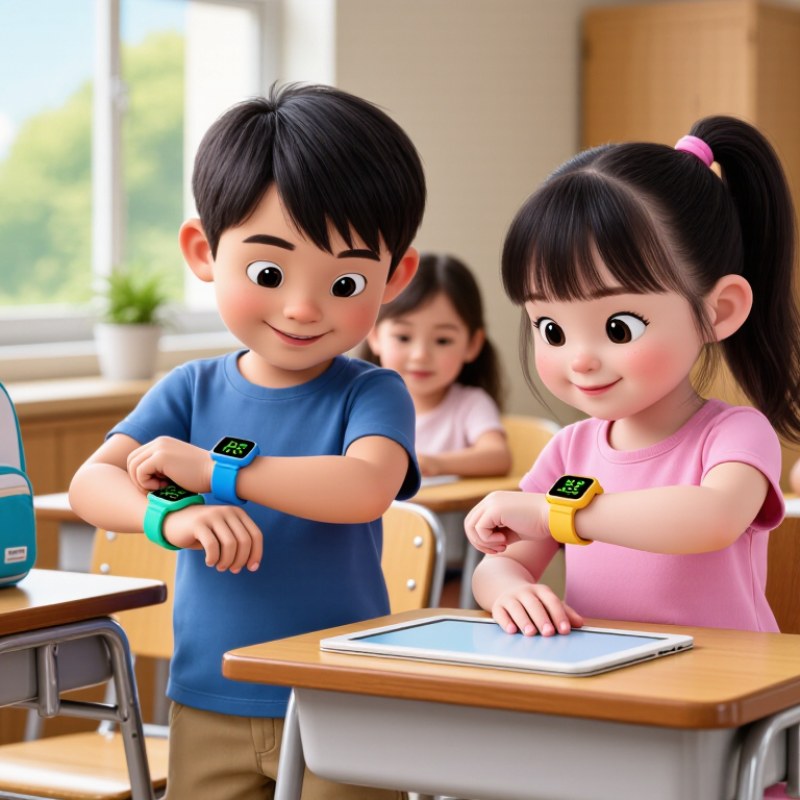
10 Tips for Choosing a Kids Smartwatch With School Mode?

Define the School Mode Features Your Child Actually Needs

A school mode should support learning, not turn a smartwatch into another classroom distraction. Before choosing one, ask what your child truly needs during school hours. For many children, silent notifications, blocked games, and limited calling are enough. A simple schedule can activate these settings automatically from arrival time until dismissal.

Check whether the watch can mute alerts while allowing approved emergency contacts. This balance matters. A child may need help, but constant messages can interrupt reading, tests, or group work. Location sharing also deserves careful thought. Some families need it for travel safety, while others may prefer it disabled during class. Confirm the school’s policy before enabling anything.

I once assumed more features meant better protection. That was not entirely true. A complicated menu can frustrate a child and encourage accidental changes. Look for clear parental controls, a reliable battery, and a visible school-mode indicator. Test the settings at home for several days. Ask your child what feels distracting or confusing. Their answer may challenge your plan.

Avoid watches that collect more information than your family needs. Read the privacy settings and understand who can view contacts, location data, or activity records. A durable strap and water resistance can help during an active school day, but they should not replace useful controls. School mode should be predictable, easy to adjust, and respectful of classroom expectations.

Check Distraction Controls, Safety Settings, and Emergency Functions

10 Tips for Choosing a Kids Smartwatch With School Mode?

School mode should do more than silence notifications. It should block games, messaging, camera access, and unnecessary alerts during lessons. UNESCO’s 2023 Global Education Monitoring Report found that one in six countries has adopted smartphone restrictions in schools. Check whether the watch supports a clear timetable, teacher-approved contacts, and a visible lock screen. Test the setting at 8:30 a.m. A small loophole can still become a big distraction.

Safety controls need practical depth. Look for contact approval, location sharing, battery warnings, and an emergency button that works without complicated menus. The National Center for Missing & Exploited Children emphasizes prompt reporting and accurate details during child-safety incidents. A useful watch should send an understandable alert, show the child’s last known location, and confirm when help has been contacted. Do not assume location data is always precise. Buildings, low battery, and weak signals can interfere.

Privacy deserves equal attention. The Federal Trade Commission’s COPPA guidance highlights parental consent and data protection for children’s online services. Read the data policy carefully, especially storage, sharing, and deletion practices. My checklist is not perfect; convenience can still hide unnecessary tracking. Ask whether every feature is needed. A quiet classroom, a charged battery, and one reliable emergency contact may matter more than ten flashy functions.

Compare Battery Life, Durability, Comfort, and Age-Appropriate Design

Choosing a kids’ smartwatch with school mode requires more than colorful menus. In real classroom trials, battery anxiety often matters more than extra games. A device should last a full school day, including location checks, calls, and several notifications. Ask for measured runtime, not only the manufacturer’s “up to” figure. The Global E-waste Monitor 2024 reported 62 million tonnes of electronic waste in 2022, so replaceable straps, repairable parts, and durable charging ports deserve attention.

Durability should match playground reality. Look for tested water resistance, a firmly attached screen, and buttons that work with small fingers. Comfort matters just as much. A heavy watch can leave red marks after hours of movement. Measure the case against the child’s wrist, then check whether the strap stays secure during running. School mode should silence entertainment, block distracting features, and allow only approved contacts or emergency functions. It must be simple enough for teachers to understand quickly.

Age-appropriate design changes the decision. Younger children need large icons, clear sounds, and fewer settings. Older children may need discreet alerts, calendar reminders, and stronger privacy controls. Pew Research Center reported in 2023 that 95% of U.S. teens had access to a smartphone, showing how quickly connected habits begin. Still, a smartwatch should not become a miniature social feed. I sometimes overvalue battery capacity and underestimate comfort. That mistake is easy to make. Test the watch with a coat sleeve, a backpack strap, and one ordinary school day.

Verify Location Privacy, Data Protection, and Parental Access

10 Tips for Choosing a Kids Smartwatch With School Mode

School mode should reduce distractions without creating a hidden location trail. Check whether the watch collects real-time GPS, movement history, voice recordings, or contact data. Ask where that information is stored, how long it remains, and whether parents can delete it. The 2024 Verizon Data Breach Investigations Report found that human involvement appeared in 68% of breaches. Weak passwords and careless sharing still matter. Use unique credentials and multi-factor authentication when available. Small screens can hide important settings.

Parental access must be clear, limited, and reviewable. Choose controls that show which adult accessed location data and when. Emergency contacts should work during school hours, but routine tracking may pause. A visible school-mode indicator helps children understand what is restricted. Encryption in transit and at rest is essential, although marketing claims are not proof. IBM’s 2024 Cost of a Data Breach Report placed the global average breach cost at $4.88 million, showing why basic protection deserves serious attention.

I would test the watch for one week before school use. Check battery loss, location accuracy, and delayed alerts near concrete buildings. Some maps look precise but are wrong. That matters. Read the privacy policy with the child, not only for the child. I still find many parental dashboards too complicated; unclear controls can cause accidental oversharing. Choose fewer features if they provide stronger privacy and easier supervision.

Evaluate Network Compatibility, Costs, Warranty, and Long-Term Value

Choosing a kids’ smartwatch with school mode requires more than checking its mute button. Network compatibility comes first. Verify supported bands, eSIM requirements, carrier approval, and 4G fallback before paying. GSMA Intelligence reported about 5.6 billion mobile subscribers worldwide in 2023, but networks still differ sharply by country and region. A watch may connect in one neighborhood and fail near a rural school. Test it indoors.

Calculate the full cost over two years. Include the device, activation fee, monthly data plan, replacement strap, charging accessories, and possible repair charges. IDC’s Worldwide Quarterly Wearable Device Tracker recorded roughly 520 million wearable shipments in 2023. That scale encourages competition, but it also creates short-lived products. A low purchase price can hide expensive service fees or weak software support. I have seen families overlook cellular costs because the watch looked affordable at checkout. Read the exclusions.

Warranty quality signals long-term value. Check coverage for battery degradation, cracked screens, water exposure, charging faults, and software failures. Ask whether repairs require international shipping. Also confirm the promised security-update period and whether school mode will remain functional after updates. GSMA’s Mobile Economy 2024 report states that mobile technologies generated 5.4% of global GDP in 2023, showing how deeply connectivity supports daily services. Still, market growth does not guarantee dependable support. A realistic choice balances network access, predictable costs, repairability, and useful operation after the first year.

FAQS

What should a useful school mode block during lessons?

It should block games, messaging, camera access, and unnecessary alerts. Test the settings at 8:30 a.m. A small loophole matters.

Can teachers quickly understand the school mode?

The controls should be simple, visible, and based on a clear timetable. Approved contacts and emergency functions should remain available.

Which emergency features are important for children?

Look for an easy emergency button, location sharing, battery warnings, and clear alert confirmations. Location data is not always precise.

How should parents evaluate privacy controls?

Read how data is stored, shared, and deleted. Ask whether every tracking feature is necessary. Convenience can hide extra monitoring.

How long should the battery last?

It should cover a full school day with location checks, calls, and notifications. Do not rely only on an advertised “up to” figure.

What physical features matter during school and play?

Choose tested water resistance, a secure strap, a firmly attached screen, and buttons suited to small fingers. Test it with a backpack strap.

How can parents judge comfort and age suitability?

Measure the case against the child’s wrist and check for red marks after movement. Younger children need large icons and fewer settings.

What network and cost checks should happen before purchase?

Confirm supported network bands, digital SIM requirements, regional approval, and indoor coverage. Calculate service fees, accessories, repairs, and replacement straps.

What makes a smartwatch valuable over several years?

Check battery, screen, water, charging, and software warranty coverage. Ask about security updates and repair shipping. Cheap-looking deals may disappoint.

Conclusion

Choosing a kids smartwatch with school mode starts with identifying the features your child genuinely needs during the school day. Look for adjustable distraction controls that limit games, alerts, and unnecessary communication while still allowing approved contacts and important reminders. Safety settings should include reliable emergency functions, simple check-in options, and clear controls that parents can manage without overwhelming the child. Also consider battery life, water and impact resistance, lightweight comfort, and an age-appropriate design that your child will enjoy wearing.

Privacy and long-term value are equally important. Review how location information is protected, what data is collected, and which parental access settings are available. Before buying, confirm that the device works with the intended network and understand all service, setup, and replacement costs. A clear warranty and dependable support can make ownership easier over time. The best choice balances learning-friendly limits, practical safety tools, comfort, privacy, and overall reliability.


Ethan Brooks

Ethan Brooks

Ethan Brooks is a dedicated marketing professional with a strong understanding of the company’s products, customers, and evolving market needs. With a background in strategic communication, product education, and digital content development, Ethan transforms complex information into clear,......