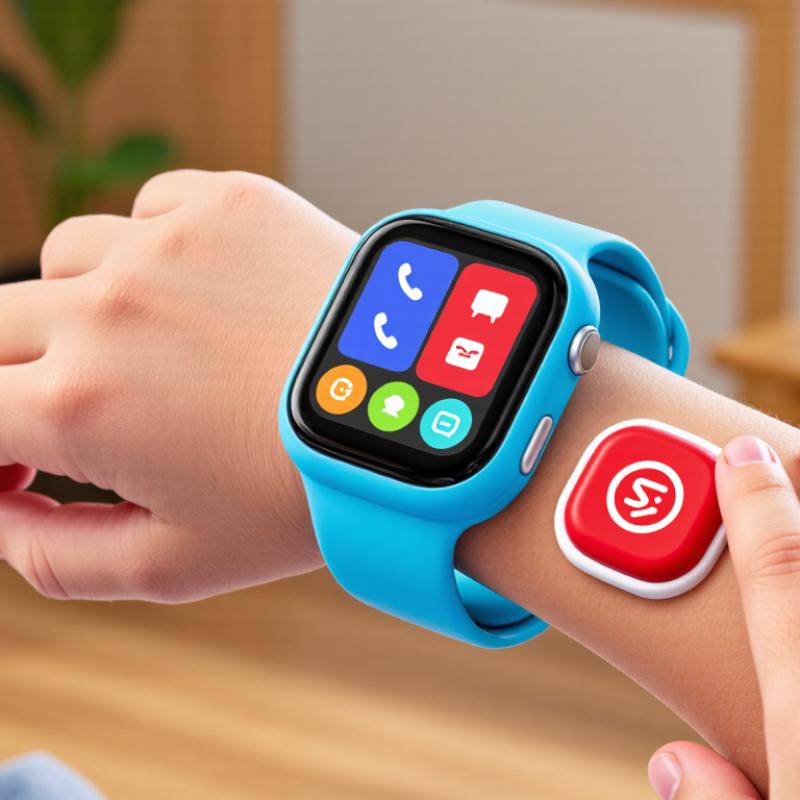
| SOS emergency button |
A dedicated control that can start an emergency alert or call sequence to caregiver contacts. The exact behavior differs by watch. |
Confirm how the button is activated, who receives the alert, whether it calls contacts in order, and what happens if nobody answers. |
Explain when to use SOS, then test it with every caregiver. Tell the child that the watch is not a replacement for local emergency services. |
| Connectivity |
Calling, messaging, and location updates may depend on cellular service, a compatible plan, Wi-Fi, or a paired phone, depending on the device. |
Check network compatibility, coverage where the child spends time, plan requirements, and any extra subscription fees. |
Activate the required service and test calls and alerts in the places the watch will normally be used. |
| Location sharing |
A caregiver app may show an estimated location using available positioning methods. Accuracy and update speed can vary with signal, surroundings, and device settings. |
Look for clear location permissions, map-update information, location history controls, and an explanation of limitations indoors or in areas with weak reception. |
Check that location sharing works and review who has access to the child’s location data. |
| Approved contacts |
Some watches allow caregivers to limit calling or messaging to contacts approved in the companion app. |
Check whether unknown callers are blocked, how contacts are added, and which adults can change the contact list. |
Add trusted caregivers, verify each number, and remove contacts that are no longer appropriate. |
| Battery and charging |
Battery life depends on the model and use, including calls, location updates, screen activity, and signal conditions. |
Review charging time, battery alerts, charger type, and manufacturer guidance for expected use. |
Choose a regular charging time and teach the child to tell an adult if the battery is low. |
| Fit and durability |
A comfortable fit helps a child wear the watch consistently. Water resistance and impact resistance vary by device and do not mean a watch is indestructible. |
Check wrist-size guidance, clasp security, materials, and the exact water-resistance rating and care instructions. |
Fit the watch securely without making it tight, and follow the device instructions around water and charging. |
| Privacy and parental controls |
The companion app may store contact details, messages, or location information. Available controls differ by service. |
Read the privacy information, check account security options, and find out how to manage or delete stored data. |
Use a unique account password, enable available security features, and limit app access to trusted adults. |
| First-time setup |
Setup commonly involves charging the watch, installing its companion app, creating an adult account, and pairing the device. |
Follow the device’s current instructions and confirm that required permissions and service activation are complete. |
Add approved contacts, set appropriate controls, install available updates, and test basic functions before the child relies on the watch. |
| Practice and limitations |
A smartwatch can support communication, but it may not work when power, network coverage, or a required service is unavailable. |
Check how alerts behave during weak signal, low battery, or service interruptions, and review the device’s emergency guidance. |
Practice a simple plan with the child: when to press SOS, whom to contact, and how to seek help if the watch does not connect. |